



PROFESSIONAL CARD LAYOUTS
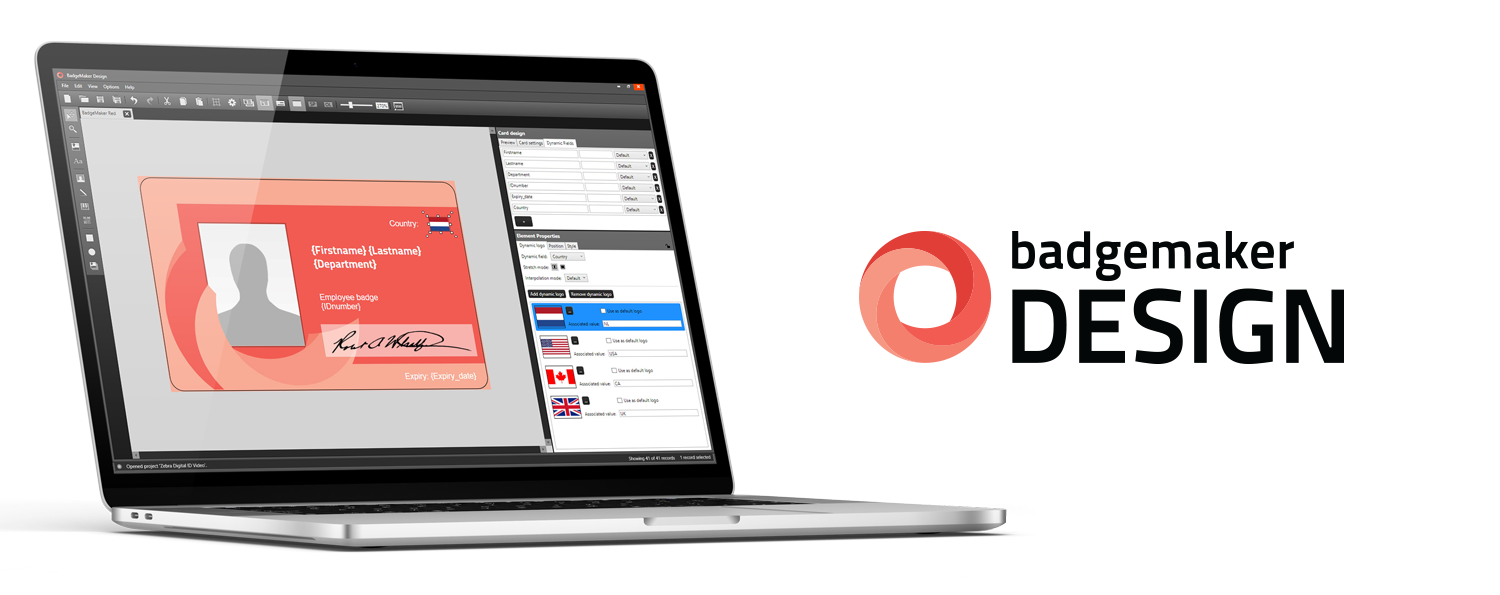
BadgeMaker Design is part of the BadgeMaker feature set that allows you to create your own professional card designs. It includes the background, dynamic fields, shapes and images.
The card design is based on a new format that ensures a 1:1 transition from design to print. In BadgeMaker Design, you are able to create a library of designs and assign them to BagdgeMaker identity projects.
Any changes to the existing card designs are automatically displayed as an update in your BadgeMaker Identity project.
DATA MANAGEMENT & MAP PRODUCTION
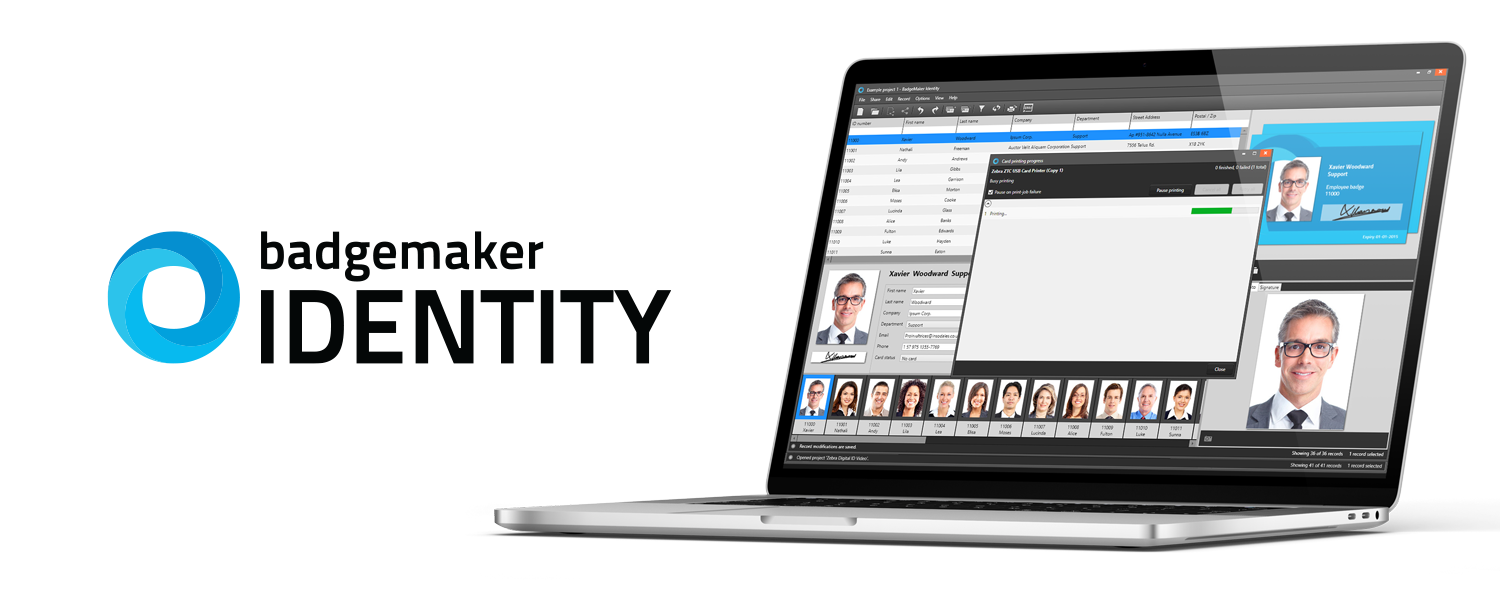
BadgeMaker's Identity module focusses on data management and the effective production of ID cards. Card data can be easily imported from Excel, CSV files or existing BadgeMaker projects (‘Classic’). You can also add or change data records manually. The powerful search function enables quick and accurate data record selection for further personalisation.
From BadgeMaker Identity it is possible to print full-colour ID cards including dynamic logos, passport photos, optional barcode and magnetic stripe encoding with a single command. BadgeMaker supports all common direct (sublimation) and retransfer card printers.

BadgeMaker Connect
With ADD-ON Connect, it is possible to add several ODBC-compatible databases and combine them as possible data sources in BadgeMaker.
The data link tool allows you to link table fields from the data source to the target table.

BadgeMaker Encode
The ADD-ON Encode enables the data from a BadgeMaker Identity project to be encoded on a card.
BadgeMaker supports all types of encoding and data (magnetic stripe, smart chip, contactless chips) that are required when creating an encoded card.

BadgeMaker Share
With ADD-ON Share, BadgeMaker Identity projects can be distributed across multiple systems. Users are able to work on a project simultaneously and in different locations.
Users are authenticated with a user name and password to ensure security in the share.