




ID.logon
The simple and secure Windows login
ID.logon can be integrated into any Windows logon model: Local logon to a PC running Windows or a home computer running Windows, network logon to a workstation, a Novell client or a remote desktop. There are no compatibility problems with ID.logon.
Windows login
Replaces your manual Windows login with an authentication medium.
Two-factor authentication
Authentication via the authentication medium and a PIN for greater security even if the medium is lost.
Improved login convenience
Instead of a user ID and password, simply place the transponder on the device and you are logged in.
Use existing employee ID cards,
ID cards
or access key
Having to memorise long and complicated passwords is now a thing of the past. ID.logon offers a secure Windows logon for every company. The time-consuming password is replaced by an authentication medium.
ID.logon offers the unique advantage of using any RFID media already in circulation, such as employee ID cards, ID cards or access keys, for Windows authentication. No conversions are necessary in the media area - so there are no additional costs.
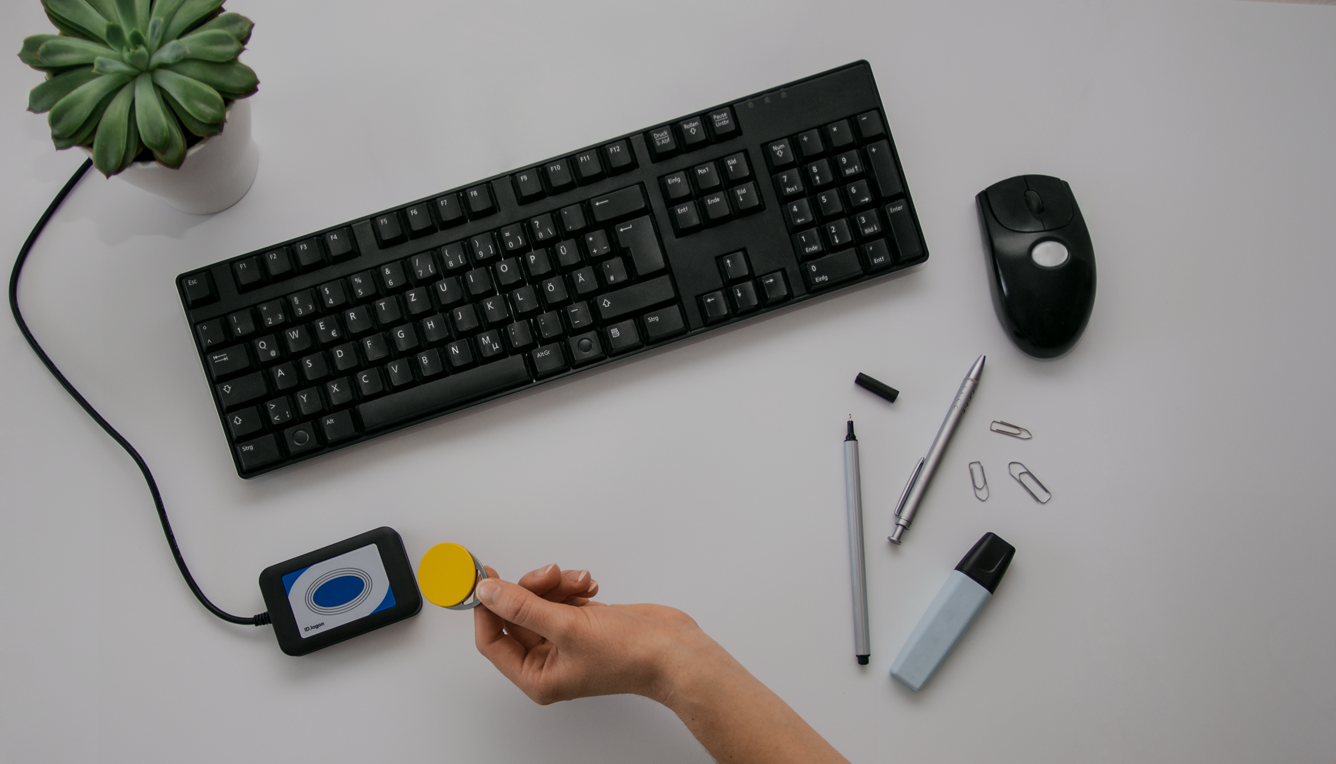
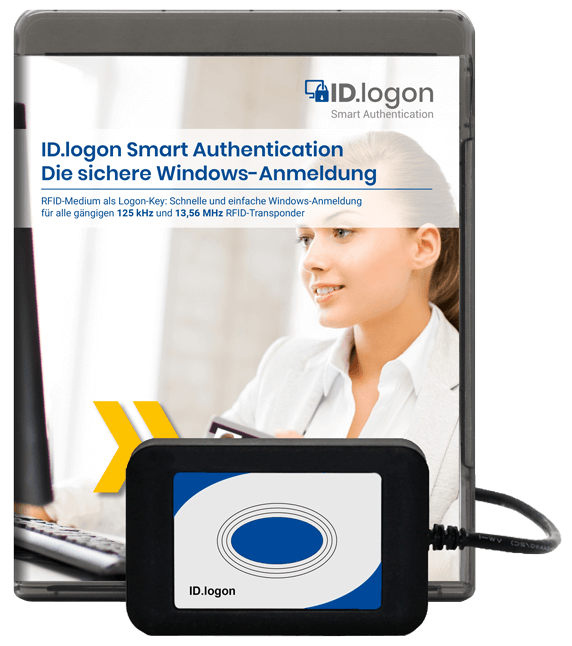
Overview of services
ID.logon can be integrated into any Windows logon model. It can be used to log on to a PC with Windows 10 or 11 as well as to Windows 2016, 2019 or 2022 servers. Network logon to a workstation in the Active Directory, a Novell client or a remote desktop is also possible.
- Package consisting of RFID desktop reader and software
- Optional with PIN code: 2-factor authentication (2FA)
- Centralised key management via the Key Manager (optional)
- Support for different RFID technologies
- Manual password can be disabled
- Emergency login possible via security queries
Login variants

Local
Bundle per workstation:
- Reader
- ID.logon Standard (SW) / ID.logon Enterprise (SW)

Key Manager Standard
Bundle per workstation:
- Reader
- ID.logon Standard (SW) / ID.logon Enterprise (SW)
Additionally unique:
- Key Manager Standard
Supported technologies
ID.logon and the associated special RFID readers support all common RFID technologies in the 13.56 MHz and 125 kHz frequency range. ID.logon can be configured as required on the basis of the RFID media. The RFID UID (unique identification number) is used as standard for authentication. However, parameters such as the coded ID number from the chip data memory can also be used.
Mifare | Legic | HITAG | EM | I-Code | Temic | TI |
|---|---|---|---|---|---|---|
Classic | prime | HITAG 1 | 4450 | SLI S20 | Q5 | TAG IT |
DESfire | advant | HITAG 2 | 4102/4200 | ATA 5577 | ||
Ultralight | CTC 4096 | HITAG-S | 4150 |
Versions
Standard
-
Local Windows authentication/logon
-
Two-factor authentication with additional PIN entry
-
Windows authentication on computers via remote desktop
Enterprise
-
Local Windows authentication/logon
-
Two-factor authentication with additional PIN entry
-
Windows authentication on computers via remote desktop
-
Support for multiple user accounts with one transponder
The versions in comparison
| Functional features | Standard | Enterprise |
|---|---|---|
| Local Windows authentication / logon for Windows 10 & 11 | ||
| Two-factor authentication (additional PIN entry) | ||
| Support for different RFID authentication media | ||
| Automatic reading of the UID (unique identification number) for Windows logon | ||
| Reading the ID card number from the transponder's data memory (coded ID card number) | optional | optional |
| Key Manager - tool for centralised administration | optional | optional |
| Windows authentication on computers via Remote Desktop Protocol | ||
| Multiple user profiles on 1 transponder (e.g. admin and standard user) |